Intelligent bookkeeping automation
right on your Windows PC
Dext Desktop brings that automation to your Windows PC. Receipts, invoices and expenses are captured, read and categorised with over 99% accuracy — right on your computer — then synced straight to your accounting software. A real Windows app, not a browser tab.





Less time on the books.
More confidence in them.

Drop it in. We do everything else.
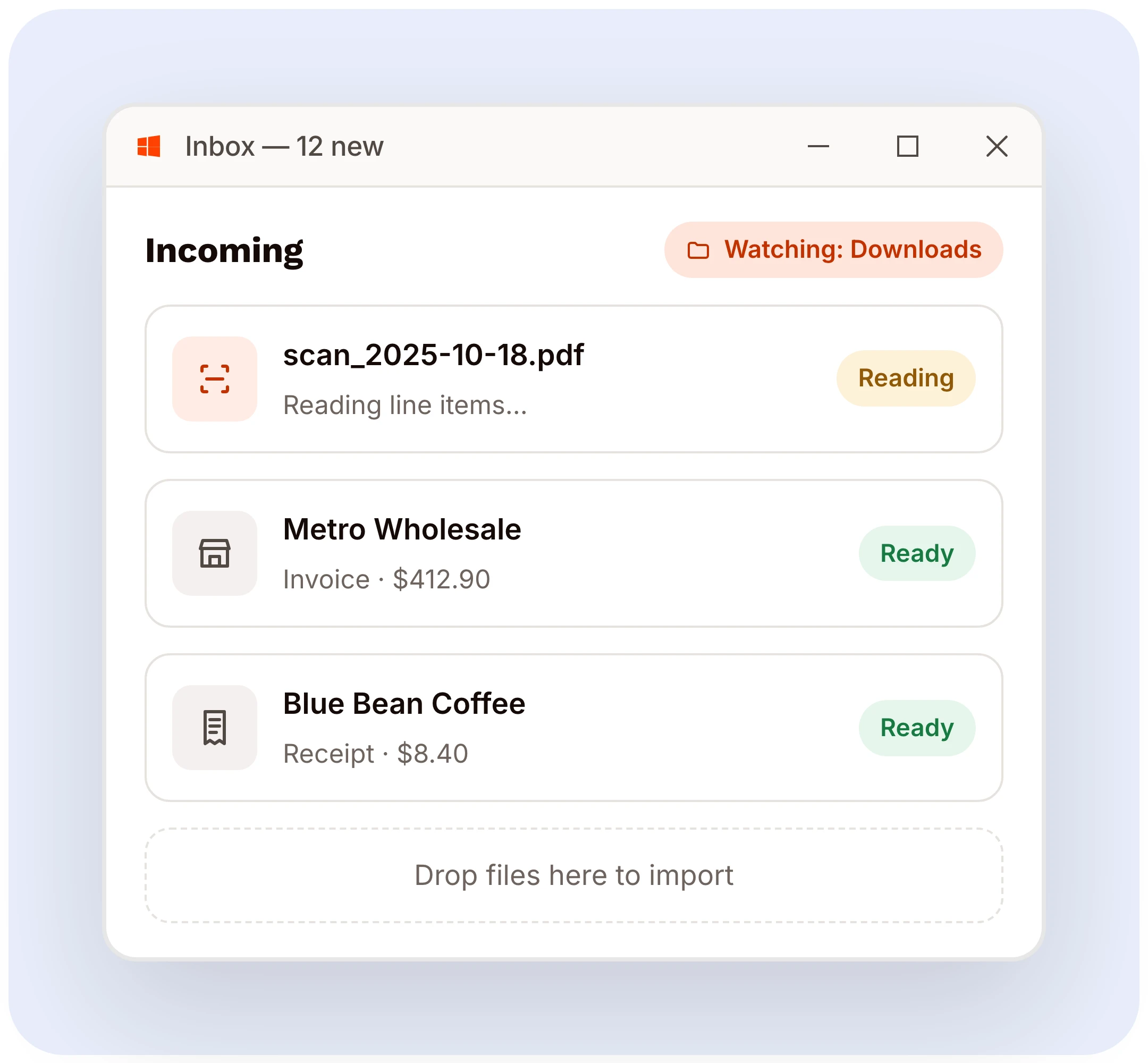
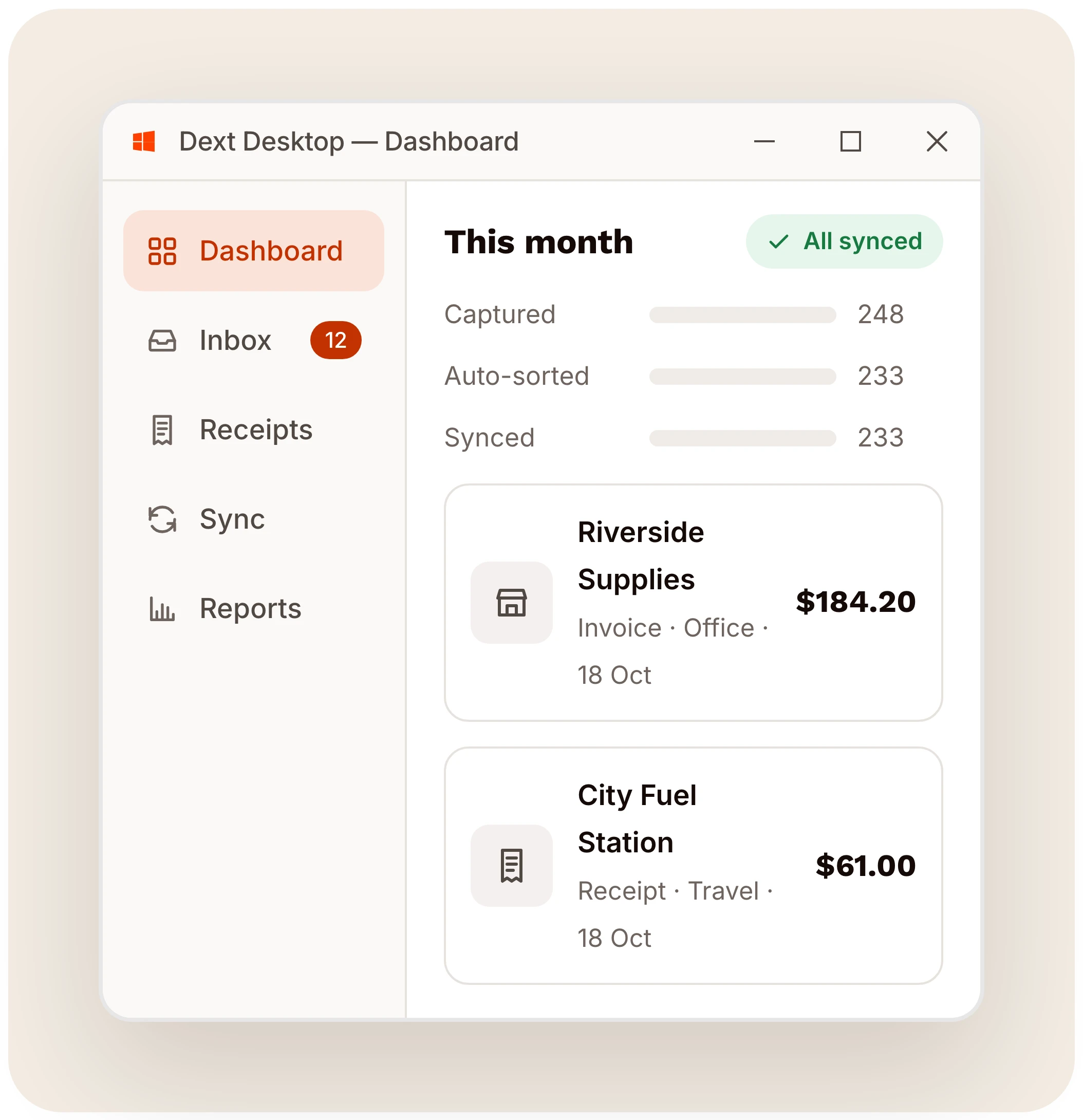
Drop receipts, invoices and statements straight into Dext Desktop, or point it at a folder to watch. It reads the data on your PC at over 99% accuracy, categorises it and syncs it to your accounting software.
The repetitive part of bookkeeping. Handled.
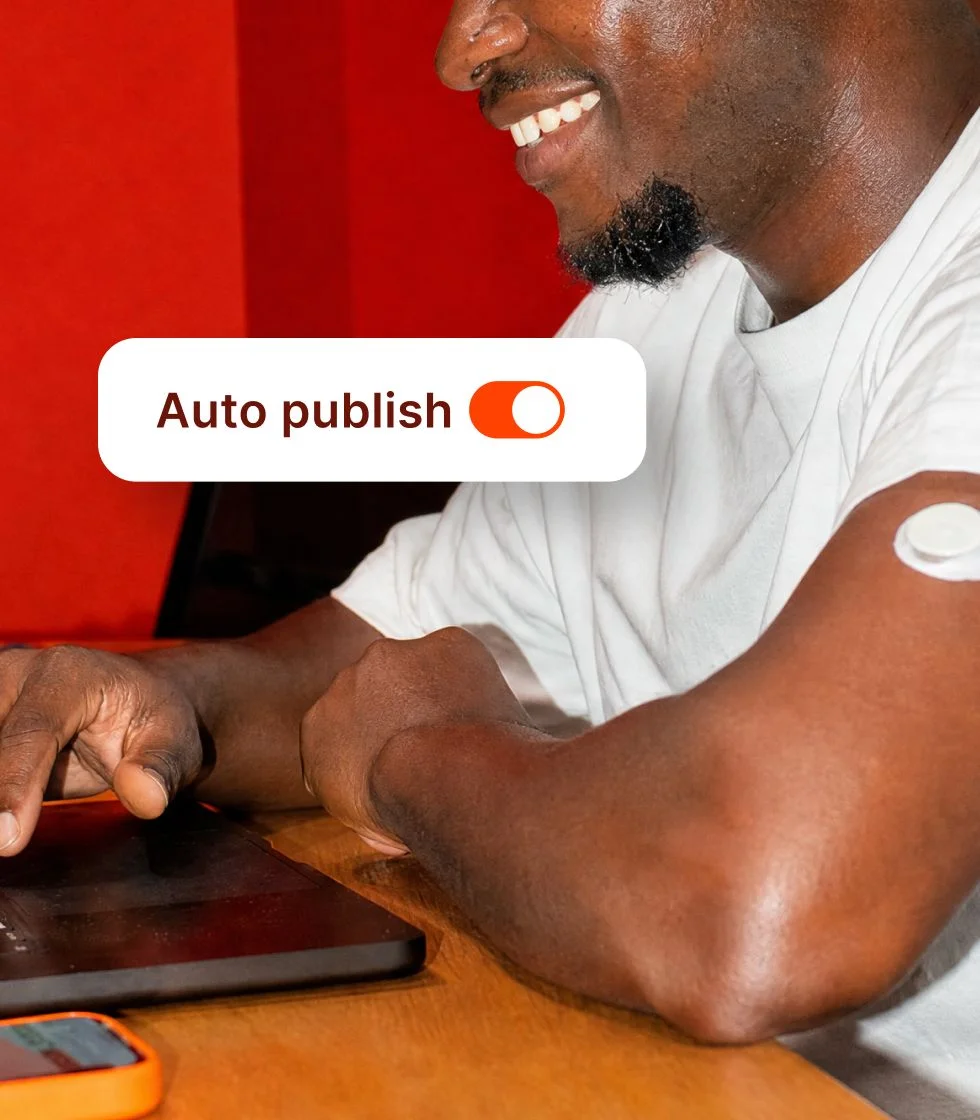
Dext Desktop takes on data entry, categorisation, reconciliation and approvals, the work that fills the day without adding to it. You review, you approve, you keep the final say.

Expenses in. Claims paid. Nothing lost in between.
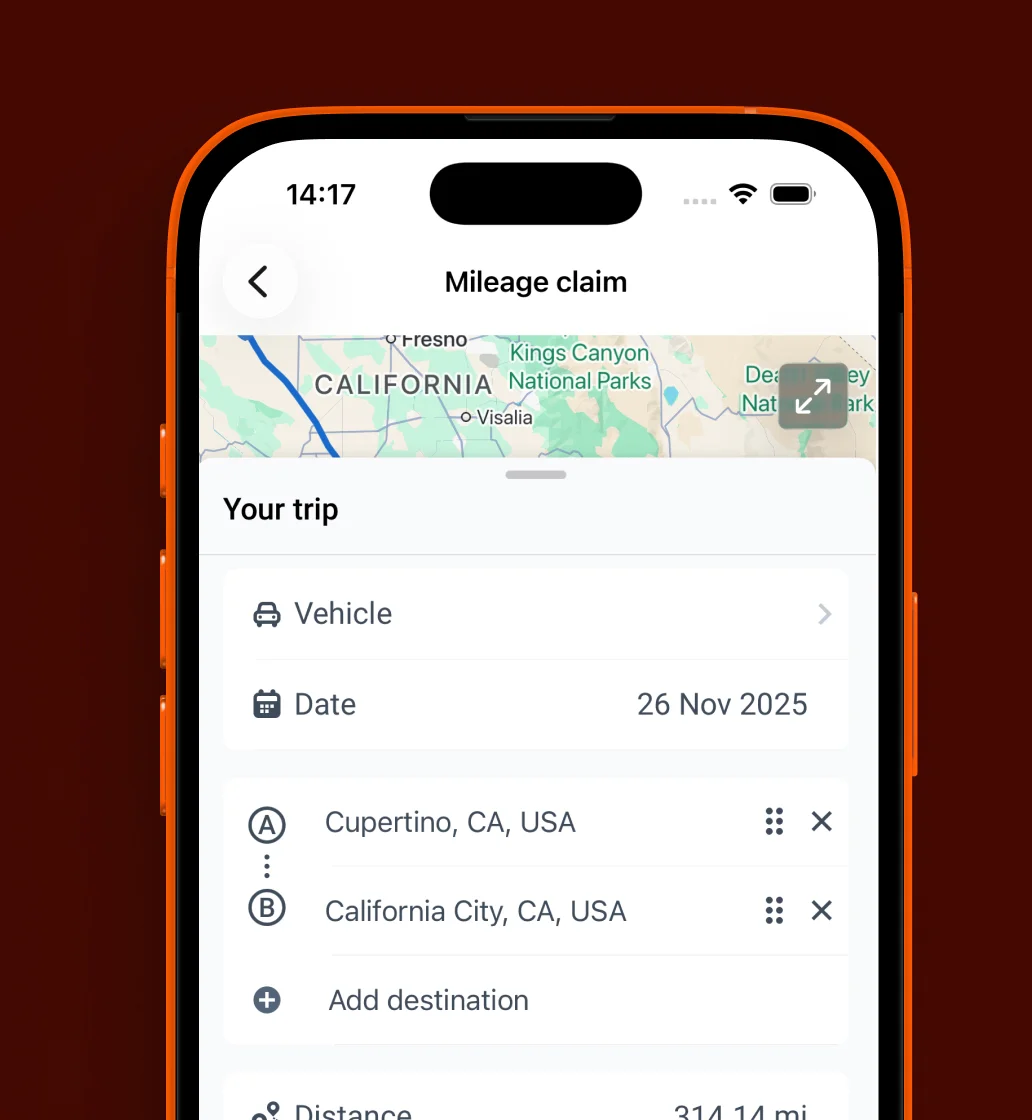
Manage employee expenses end to end, from capture through claim, approval and payment. Submit and track them, including mileage, right from your Windows desktop. Everything syncs to your accounting software with a full audit trail.
The agent that learns from your decisions
AI Assist automates the calls your team makes on suppliers, categories and splits, and turns them into automations for you to approve. Routine transactions go through but you stay in control.

Approve and pay, without switching tools.
Pay suppliers and reimburse your team's expenses from one place, so nothing sits in an inbox waiting on a signature. Every payment is safeguarded, built on banking standards, and eerything stays in sync with your accounting software.
Business documents processed annually
Businesses supported globally
Accounting and bookkeeping firms
Join the businesses and practices already on Dext
We're proud to have helped thousands of accounting & bookkeeping firms and businesses better manage their processes, saving millions of hours of manual work.
See how Dext gives you hours back
Capture your way
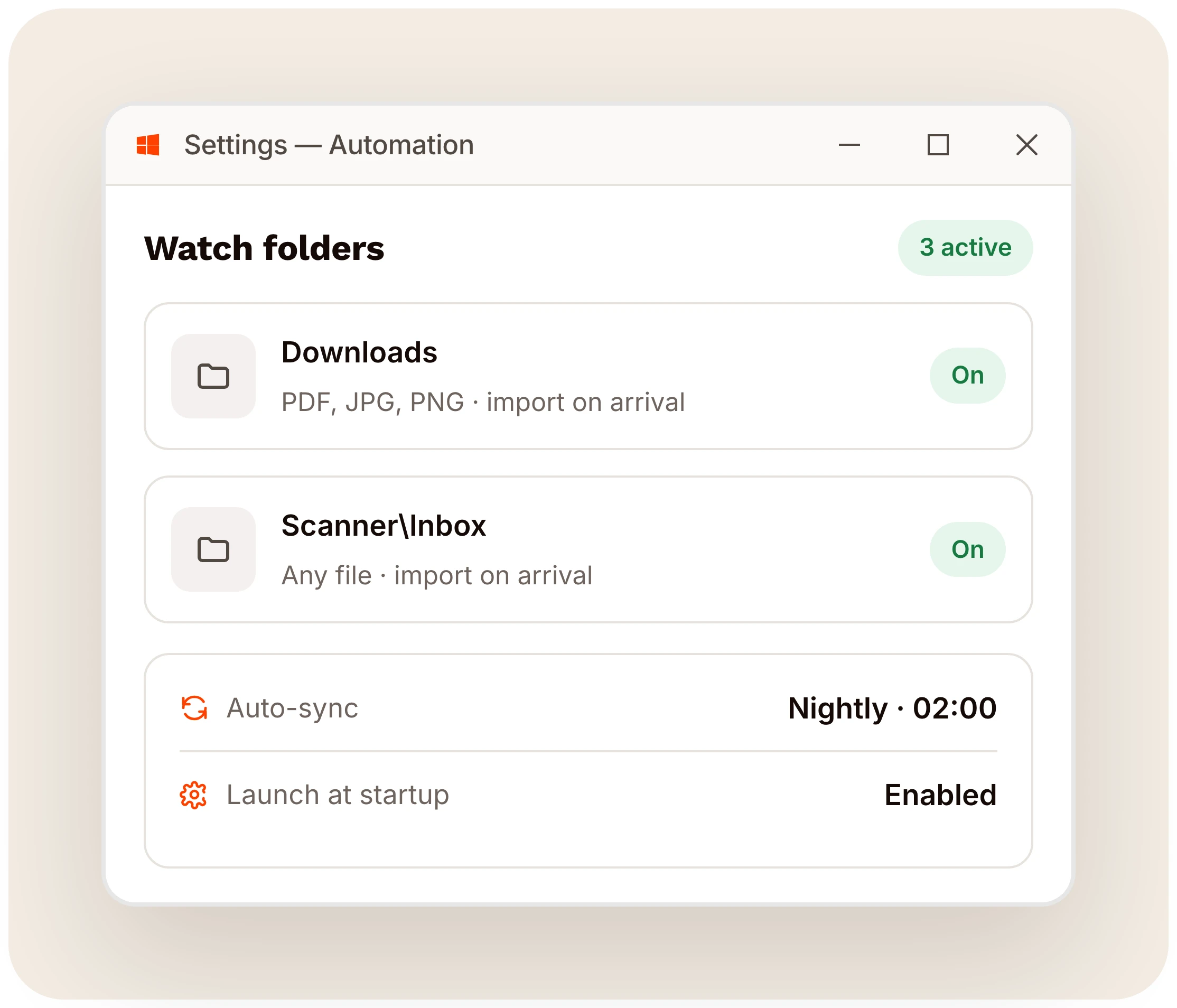
Drag-and-drop, watch folders, email or your scanner: add receipts, invoices and statements however suits you. Dext Desktop also fetches supplier invoices and syncs with your bank feeds.
Turn documents into data
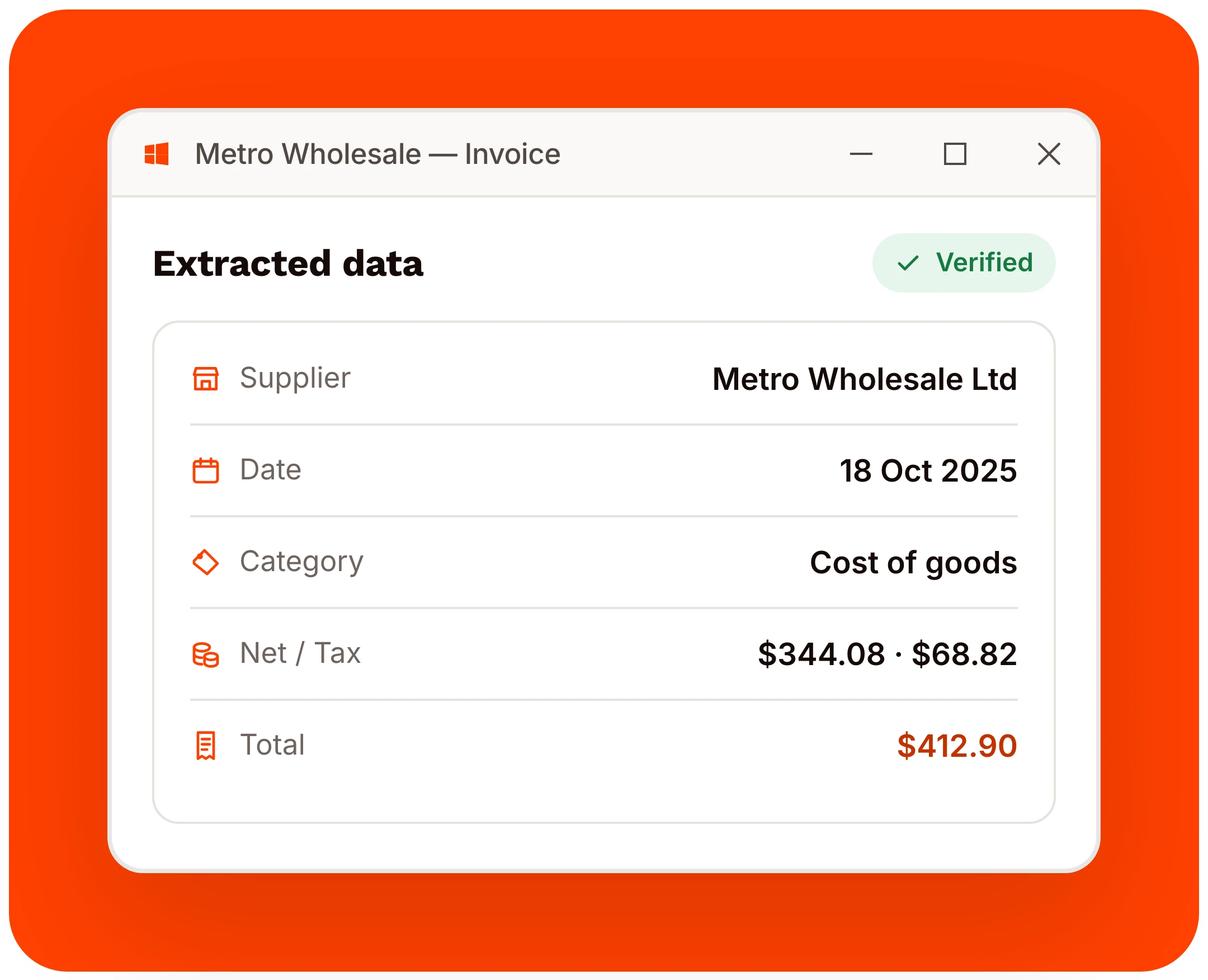
Dext Desktop reads your documents on your PC and pulls out the supplier, the line items and the due date, at over 99% accuracy.
Automate, on your terms
Every invoice, receipt and expense categorised and published to your accounting software, following the rules you set. Add AI Assist and it learns how you work and suggests automations for you to approve.
Keep every original
Audit next week? Receipt from last March? Vault keeps every original for at least ten years, tagged and findable in seconds. It’s the filing cabinet you never have to open.
Work from the same numbers
Business owners and their accountants work from the same clean, up-to-date numbers, in one place. Missing documents and questions are flagged and resolved in Dext.
Connect Dext
with your accounting software
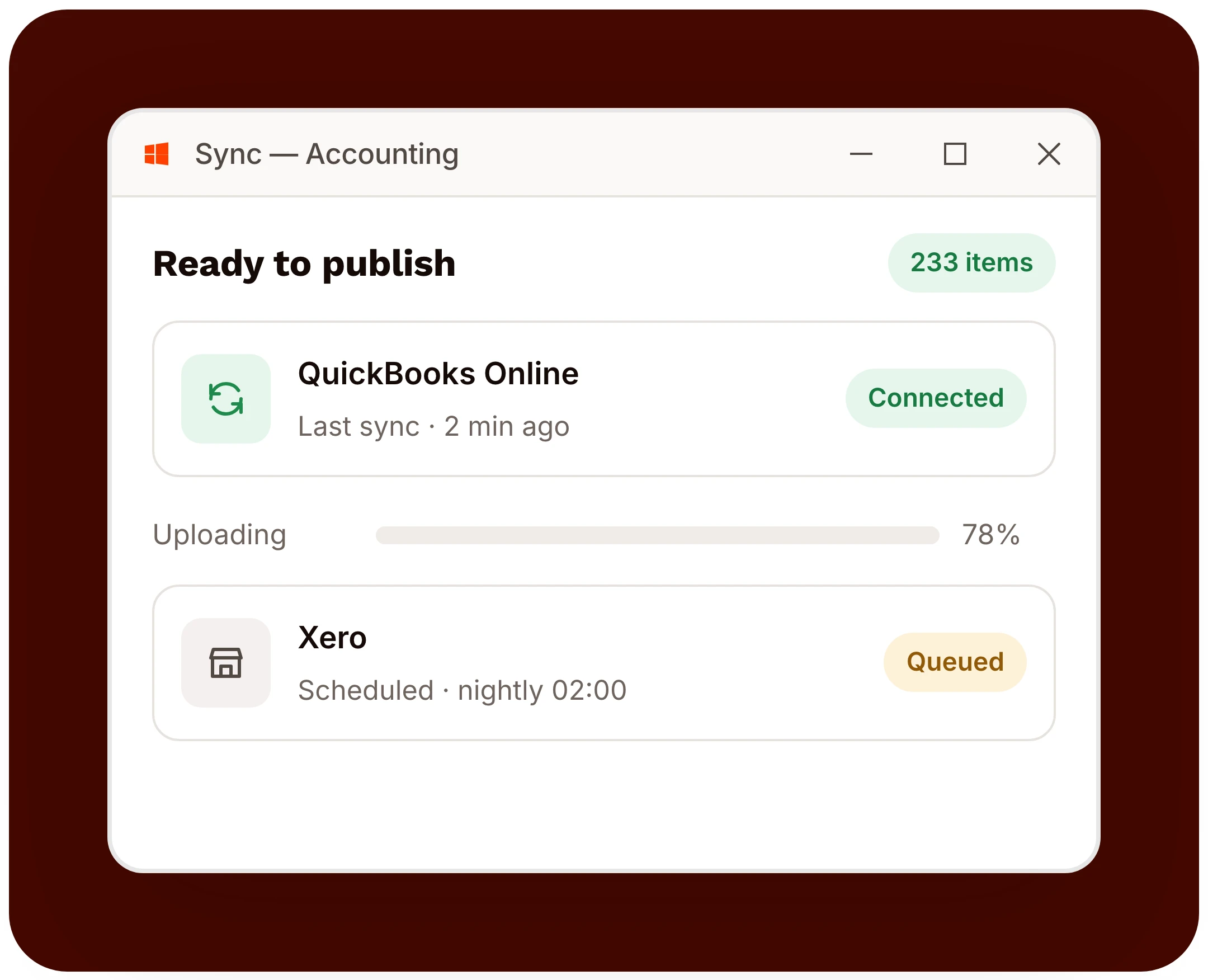
Dext connects with 36+ accounting software platforms, e-commerce platforms and over 11,500 banks and financial institutions. Whatever you and your accountant already use, Dext Desktop fits around it. Nothing to migrate, nothing to relearn.


Download Dext Desktop — free for Windows 10 & 11
Over 700,000 businesses and 12,000 accounting and bookkeeping firms worldwide use Dext Desktop to make more time for what matters.
Frequently Asked Questions
Download & install
Yes — Dext Desktop is completely free to download and use. No trial window, no obligation and no credit card required: just download, install and start clearing your backlog.
Dext Desktop runs on 64-bit Windows 10 and Windows 11. It is light enough for everyday office hardware — around 400 MB of free disk space is all it needs.
Download Dext-Desktop-Setup.exe, double-click it and follow the prompts. Setup takes under a minute. On first launch, point the app at a folder to watch and you are ready to go.
You don't have to do a thing. Dext Desktop checks for updates in the background and installs them quietly, so you are always on the latest version.
Using Dext Desktop
Dext Desktop is an intelligent bookkeeping automation program for Windows. It captures, reads and stores receipts, invoices and business documents right on your PC, so you spend less time on manual admin. You can also manage and approve employee expenses, connect ecommerce stores, pay suppliers and sync everything to your accounting software.
Not at all. Dext Desktop is built for business owners and their teams. Its clean Windows interface makes it easy to add, track and manage documents right on your PC.
Yes. Dext Desktop publishes straight to QuickBooks Online, Xero, Sage and more, and exports clean CSV and PDF packs for anything else your bookkeeper uses. Nothing to migrate, nothing to relearn.
Yes. Capture and reading happen on your PC, so you can keep working offline. Syncing to your accounting software resumes automatically the next time you are online.
A licence covers one person across their own devices. If you run a team or a practice, get in touch and we'll set up the right configuration for everyone.
Drag and drop files onto the app, let it watch a folder, import straight from email, auto-fetch from connected accounts, or use a desktop scanner — whatever fits how you work.
Your files & security
On your own PC. Dext Desktop keeps an encrypted library on disk and reads documents locally — nothing leaves your machine unless you choose to sync it to your accounting software.
Nothing is deleted. The app keeps your library and settings; you simply activate a licence to carry on capturing and syncing. Your files stay exactly where they are.
Dext Desktop reads suppliers, line items, totals and dates at over 99% accuracy, right on your PC, and flags any low-confidence fields for a quick review.
Your documents are encrypted on disk, reading is done on your own machine, and nothing is shared without your action — so you stay in full control of your financial data.
Dext Desktop for Windows
System requirements
A lightweight native app — here is everything Dext Desktop needs to run smoothly on your PC.
Operating system
Windows 10 & 11 (64-bit)
Processor
1.6 GHz dual-core or faster
Memory
4 GB RAM (8 GB recommended)
Storage
500 MB free disk space
Display
1280 × 720 or higher
Internet
Broadband, to sync with your accounting software